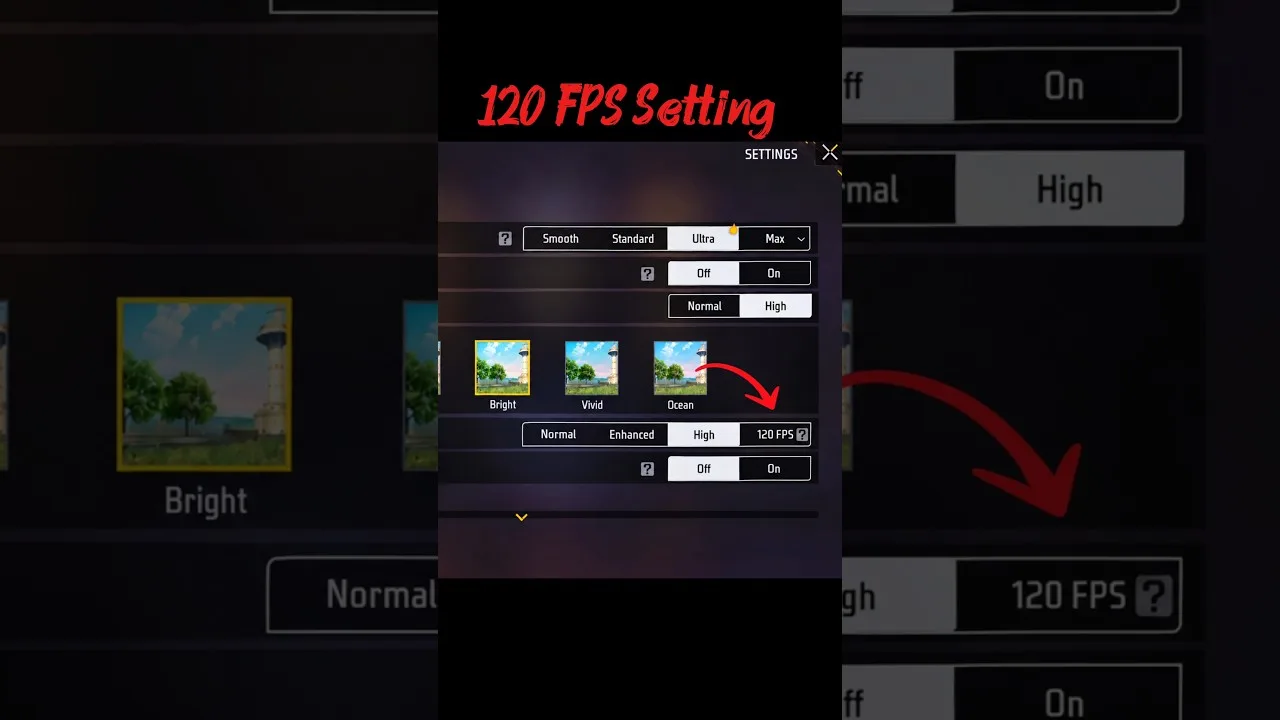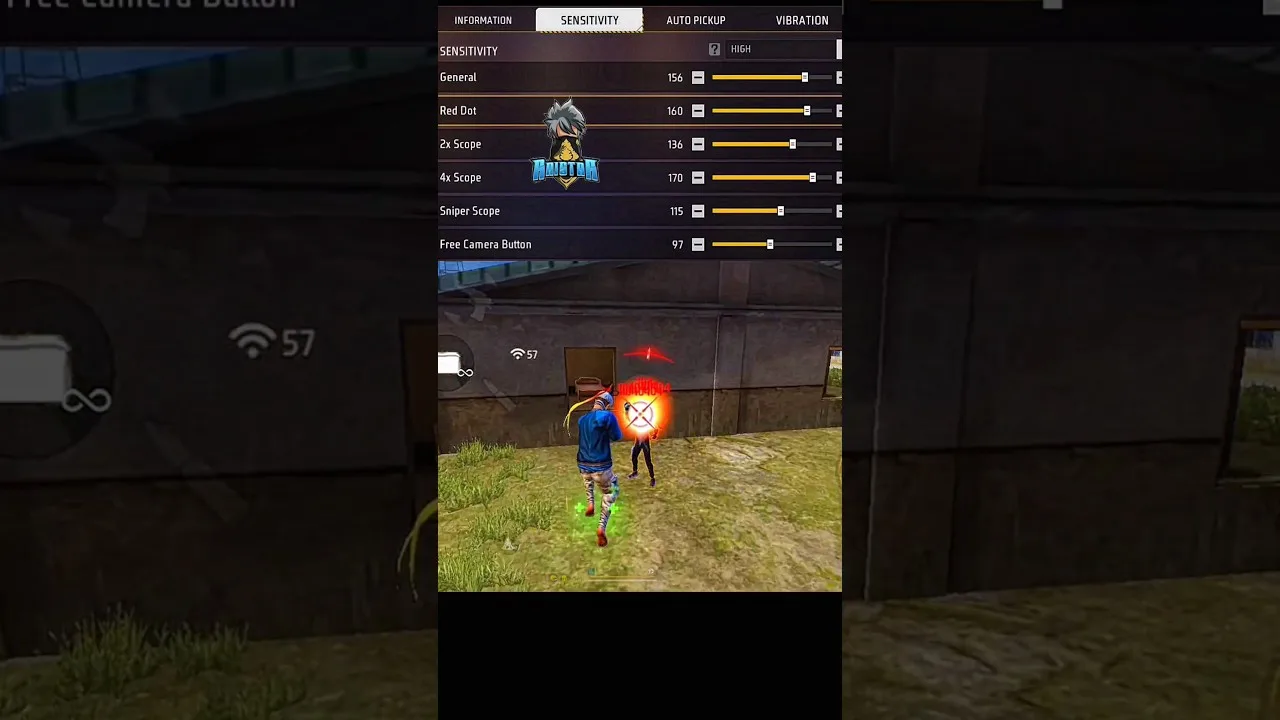
A sensitivity backup is a complete written record of the setup you have tested and proven: every slider value, your DPI, fire button size and position, graphics choice and the device it was tuned on. Without that record, a phone reset, an accidental change or a new device can erase weeks of careful testing in seconds.
Building the record takes minutes with Sensibilidades Free Fire app open beside your game settings, so you can copy each value accurately from both places. Once the backup exists, sharing it usefully becomes easy too, and the notes you add are what make your numbers meaningful to the friend who receives them.
What a Complete Backup Includes
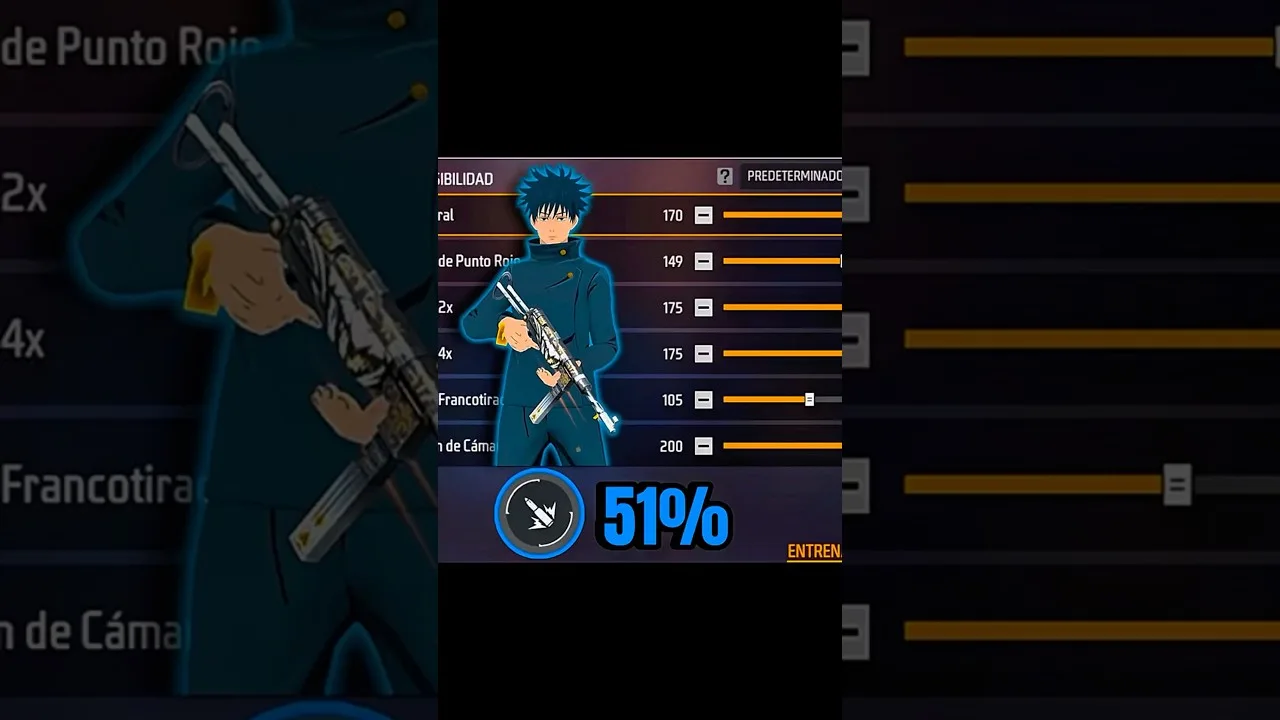
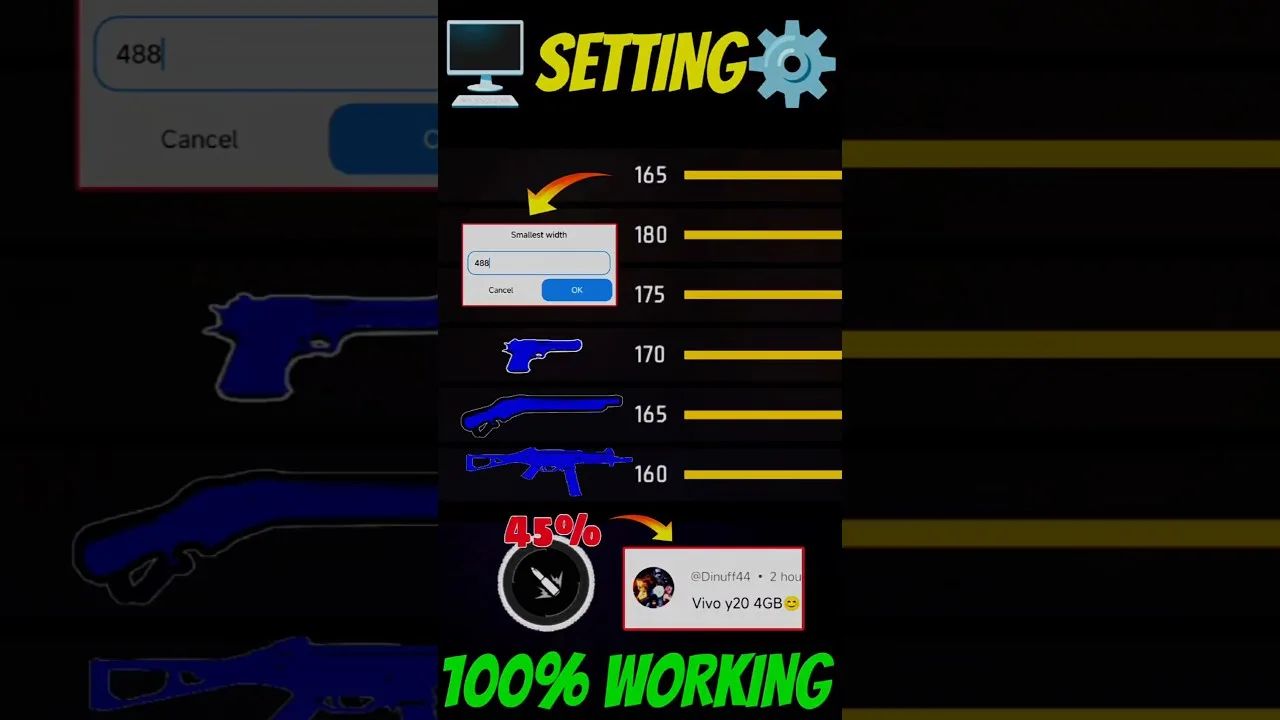
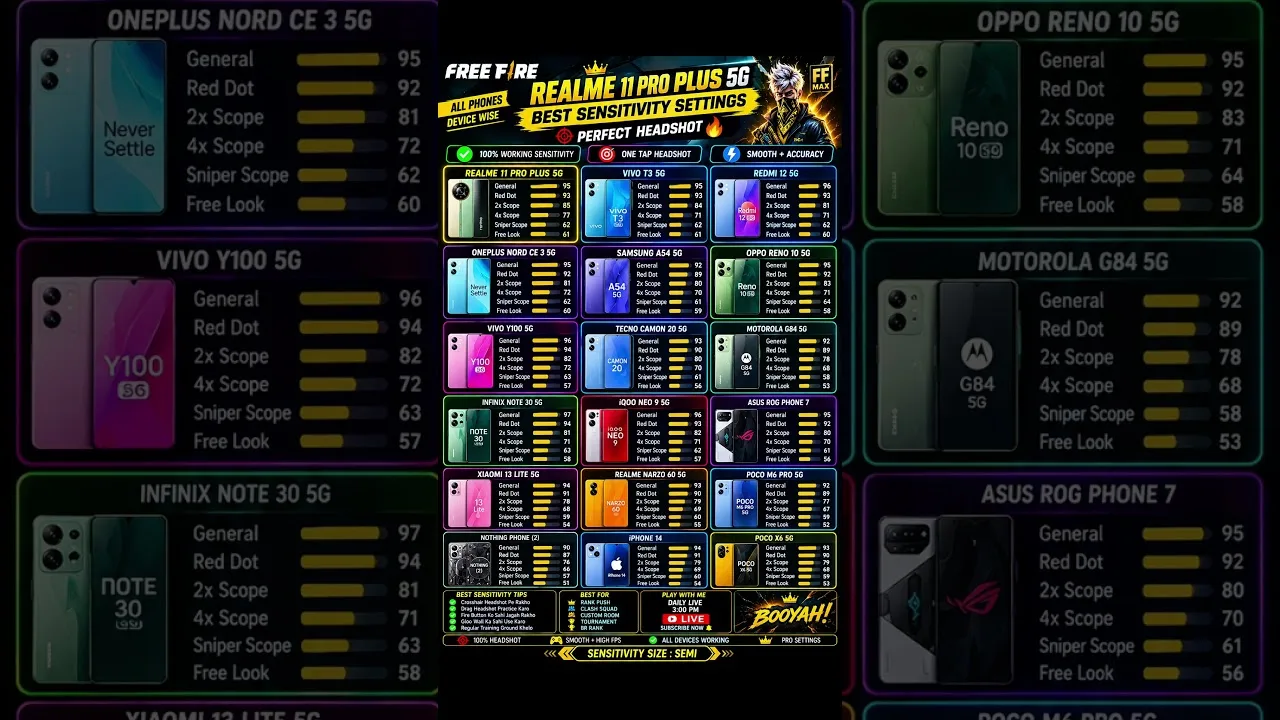
List every sensitivity slider exactly as it appears: general, red dot, each scope level, sniper and free look, plus gyroscope values if you use them. Add the DPI or smallest width figure your sensitivity was paired with, because the same sliders at a different DPI are effectively a different setup, as anyone who has copied half a setup already knows.
Finish with context: device model, screen size, refresh rate, fire button size and placement notes, and the date the setup was last proven in matches. Context is not decoration. It is the information that lets future you, on a new phone months later, translate the record intelligently instead of copying it blindly and wondering why it feels different.
Where and How to Keep It
Keep the backup in at least two places that do not depend on your phone surviving: a notes app synced to your account and a simple message to yourself or a trusted friend both work. A screenshot folder inside the same phone is not a backup, because it is lost in exactly the situations the backup exists for.
Update the record whenever a change survives proper testing, and keep the previous version underneath instead of deleting it. Old versions are valuable: they show your tuning history, and they give you a known fallback when a new direction disappoints after a week. The sharing habits in copying pro sensitivity values guide also start here, since a well-kept record is already most of a good share.
Sharing So Friends Can Actually Use It
When you share your setup, send the complete record, not just the slider screenshot everyone is used to. Include the DPI pairing, your device and screen size, and one honest sentence about your play style, such as preferring close-range fights. That sentence tells your friend which parts of the setup were shaped by taste rather than by universal aim logic.
Also tell them what to adjust first on their own phone: usually the general value, scaled to their screen by the half-turn test, then red dot. Friends who receive guidance with the numbers adapt your setup in one evening. Friends who receive bare numbers often conclude wrongly that your setup, or the whole idea of sharing, does not work.
Restoring After a Reset or New Phone
Restoring is where the backup proves its worth. Re-enter the values exactly, restore the DPI pairing and button layout, then verify with your standard drills before judging. On a new phone, expect small translation adjustments for screen size and refresh rate; the record gets you ninety percent home, and the drills finish the job, as described in how to update the Sensibilidades app guide for post-update checks.
Resist changing values during the first restoration session even if the feel is slightly unfamiliar. A reset or new device changes your context enough that first impressions mislead. Give the restored setup a fair test at full familiarity before deciding that any number needs to move.
Putting This Into Practice
Set aside one short session devoted only to a complete record that another player can follow. Do not chase wins during this session and do not judge the setup by the scoreboard at the end of it. Your only task is to repeat the same movements until they feel ordinary: every slider, the DPI pairing and the device notes written in one place. When a movement starts to feel ordinary, that is useful information, because ordinary means your hands have stopped negotiating with the setting and have started trusting it. Write down what felt easier and what still felt awkward while the session is fresh, using plain words you will understand when you read the note again next week.
Next, carry the same focus into two or three normal matches without changing anything, even if the first match goes badly. A setup for a complete record that another player can follow has to survive different maps, different weapons and the small panic that arrives when a fight starts closer than expected. If it only works in a quiet training room, it is not finished yet, and the honest response is one small adjustment followed by the same test again, not a full rebuild. If it works across those matches, protect it: record the values, leave them alone for several days, and let repetition turn a good test result into dependable muscle memory you can rely on under pressure.
Finally, review the result at the end of the week rather than at the end of a single evening. Ask one simple question: did a complete record that another player can follow feel more predictable than it did seven days ago? Predictable is the right standard, because competitive aim is built on movements you can repeat when tired, rushed or surprised. If the answer is yes, keep the setup and move your attention to the next weakest part of your game. If the answer is no, change the one value most closely connected to the problem, by the smallest step you can feel, and repeat the weekly cycle with the same patience.
Final Thoughts
Backing up and sharing sensitivity values well is the same skill: record the complete system, with its context, in places that survive your phone. Do it once and every update, reset and upgrade stops being a threat to your aim.
Your tested setup is an asset you built over weeks. A two-place written record protects it for the cost of a few minutes, which is the best trade in all of sensitivity tuning.