DPI and sensitivity are two controls acting on the same thing: how far your aim moves for a given swipe. DPI changes how your phone interprets touch movement at system level, while in-game sensitivity scales that movement inside Free Fire, so raising both at once multiplies the effect and often makes aim suddenly feel uncontrollable.
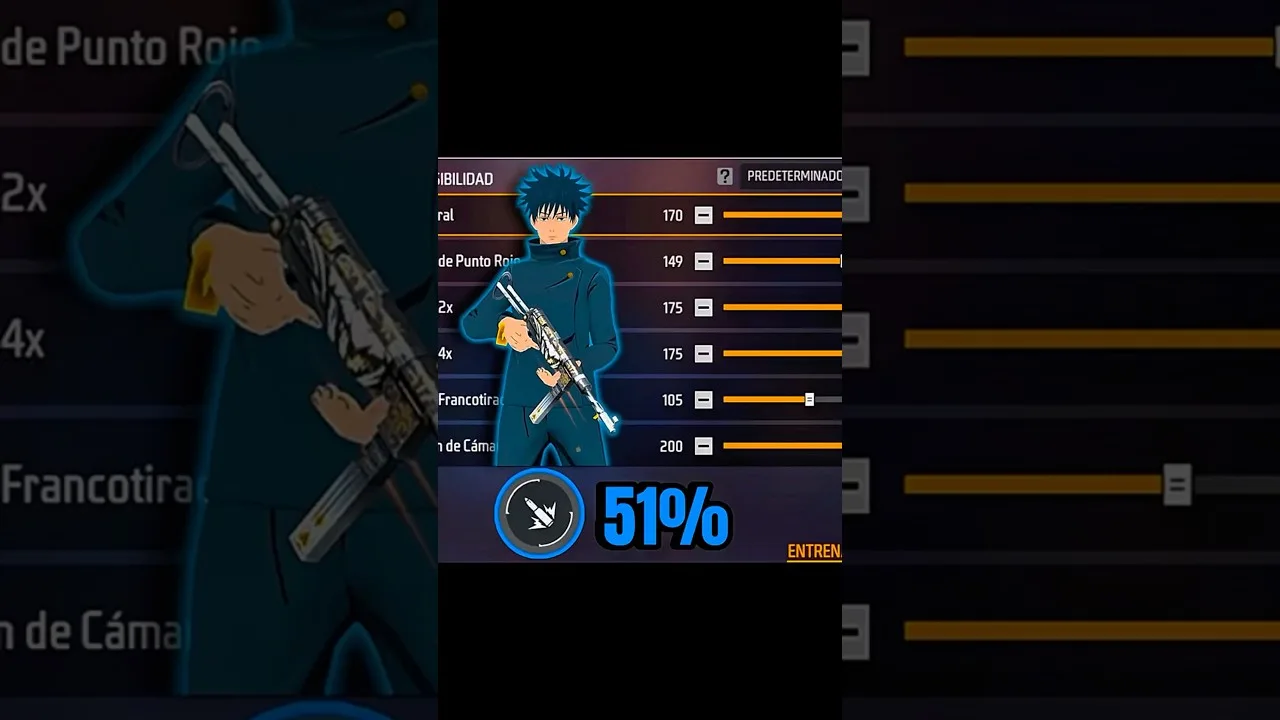
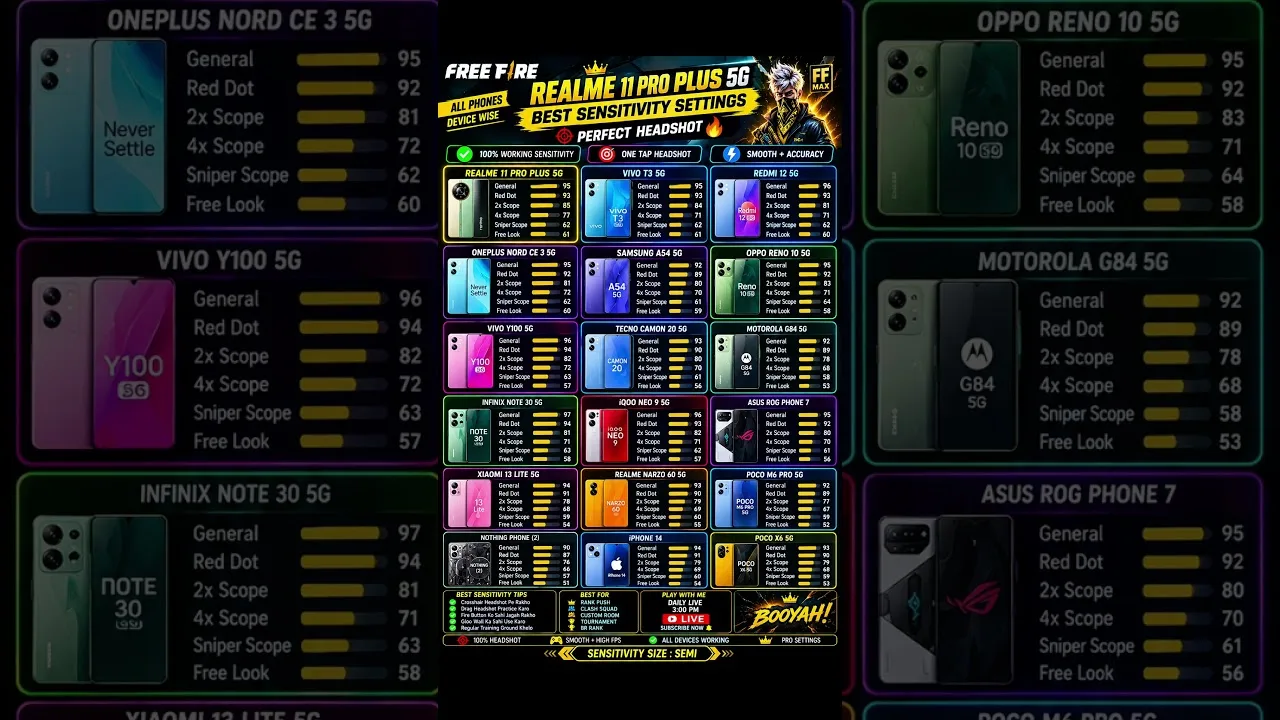
The safe approach is to treat them as one combined system. Open the Sensibilidades sensitivity app, note the DPI and sensitivity values suggested together for devices like yours, and then read the general sensitivity explained guide so you understand which part of the movement comes from the general slider before you change the system-level setting.
What DPI Changes Outside the Game
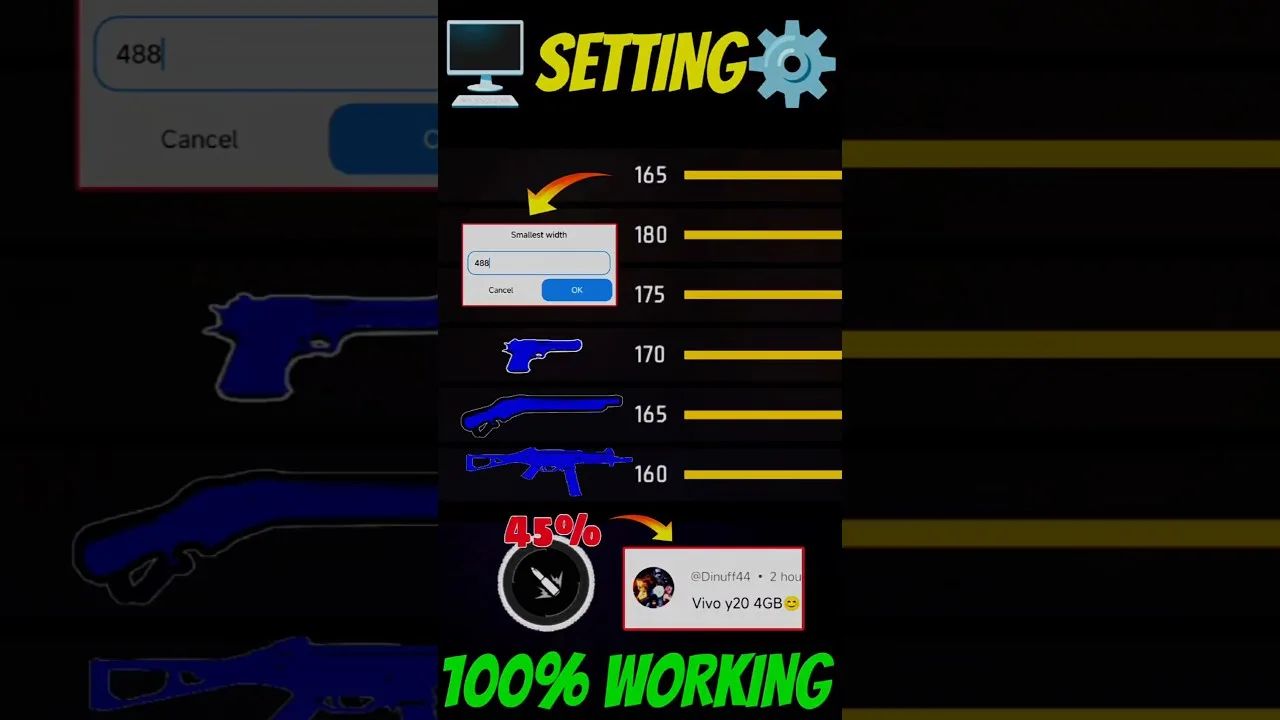
On Android, changing DPI, often through the smallest width setting in developer options or a display size control, alters how large interface elements appear and how touch distance is interpreted. In a shooter, higher DPI usually means the same thumb swipe travels further in game, which players describe as faster or lighter aim, while lower DPI feels heavier and more deliberate.
Because DPI affects the whole phone, it also changes menus, text size and how other apps feel. Raise it carelessly and everyday use becomes awkward. Any DPI change should be modest, reversible and recorded, so you can return to your previous value exactly if the experiment does not help your aim.
Why Raising Both Causes Overshooting
A common mistake is copying a high DPI from one player and a high sensitivity set from another, then wondering why every flick overshoots. Each of those setups was balanced as a pair by its owner. Combined, they multiply into something far faster than either player actually uses, and the result is missed headshots and shaky tracking.
If you change DPI, expect to lower in-game sensitivity, and if you lower DPI, expect to raise it. Change one side, test, then adjust the other side only if needed. The sensitivity for different screen sizes guide explains why screen size shifts this balance further, since the same swipe covers different physical distance on a small phone and a large one.
A Step-by-Step Way to Set Both
Start by choosing a DPI you are comfortable using all day on your phone, not just in matches. Then set general sensitivity so one normal swipe turns you about half a circle in training. Next, test red dot tracking on a moving target and adjust only the scoped values. This order keeps each step measurable and prevents the two controls from chasing each other.
Write down each pair you test as a combined record, for example the DPI plus the general and red dot values together. Judging a pair as a unit is the key habit: a sensitivity number means nothing without the DPI it was tested at, and sharing or copying values without the DPI half leads to bad setups.
Signs Your Combination Is Wrong
If your crosshair feels nervous, jumping at tiny thumb movements, the combination is too hot overall; lower sensitivity first before touching DPI again. If aim feels like dragging through mud and you lift your thumb repeatedly to turn, the combination is too cold; raise general sensitivity slightly before considering a DPI increase.
Also watch comfort outside aim: sore thumbs, cramped swipes or constantly running out of screen space are signs the pairing does not fit your hand or device. The best combination is the fastest one you can still control calmly at the end of a long session, not the fastest one you can survive for a single highlight play.
Putting This Into Practice
Set aside one short session devoted only to the combined feel of your DPI and sensitivity pairing. Do not chase wins during this session and do not judge the setup by the scoreboard at the end of it. Your only task is to repeat the same movements until they feel ordinary: the same swipe producing the same turn at the DPI you actually use every day. When a movement starts to feel ordinary, that is useful information, because ordinary means your hands have stopped negotiating with the setting and have started trusting it. Write down what felt easier and what still felt awkward while the session is fresh, using plain words you will understand when you read the note again next week.
Next, carry the same focus into two or three normal matches without changing anything, even if the first match goes badly. A setup for the combined feel of your DPI and sensitivity pairing has to survive different maps, different weapons and the small panic that arrives when a fight starts closer than expected. If it only works in a quiet training room, it is not finished yet, and the honest response is one small adjustment followed by the same test again, not a full rebuild. If it works across those matches, protect it: record the values, leave them alone for several days, and let repetition turn a good test result into dependable muscle memory you can rely on under pressure.
Finally, review the result at the end of the week rather than at the end of a single evening. Ask one simple question: did the combined feel of your DPI and sensitivity pairing feel more predictable than it did seven days ago? Predictable is the right standard, because competitive aim is built on movements you can repeat when tired, rushed or surprised. If the answer is yes, keep the setup and move your attention to the next weakest part of your game. If the answer is no, change the one value most closely connected to the problem, by the smallest step you can feel, and repeat the weekly cycle with the same patience.
Final Thoughts
DPI and sensitivity are not rivals and not separate projects. Set them as a pair, change one side at a time, and judge the result by calm tracking and repeatable turns rather than by how impressive the numbers look.
A recorded, tested pairing built on your phone will outperform a copied pairing built on someone else's screen every time.