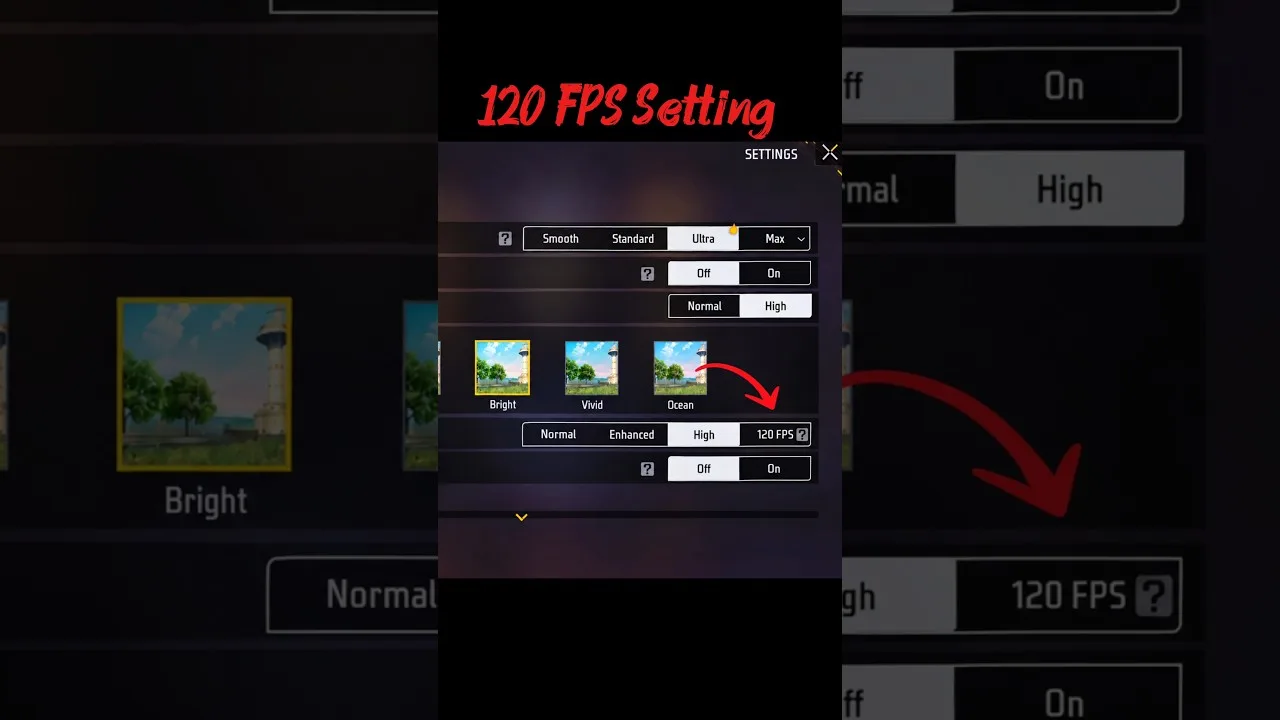
Screen size changes sensitivity because it changes distance. On a small phone, a full thumb swipe covers a short physical path, while on a large phone or tablet the same swipe travels further, so identical values can produce noticeably different turning speed and tracking feel between two devices.
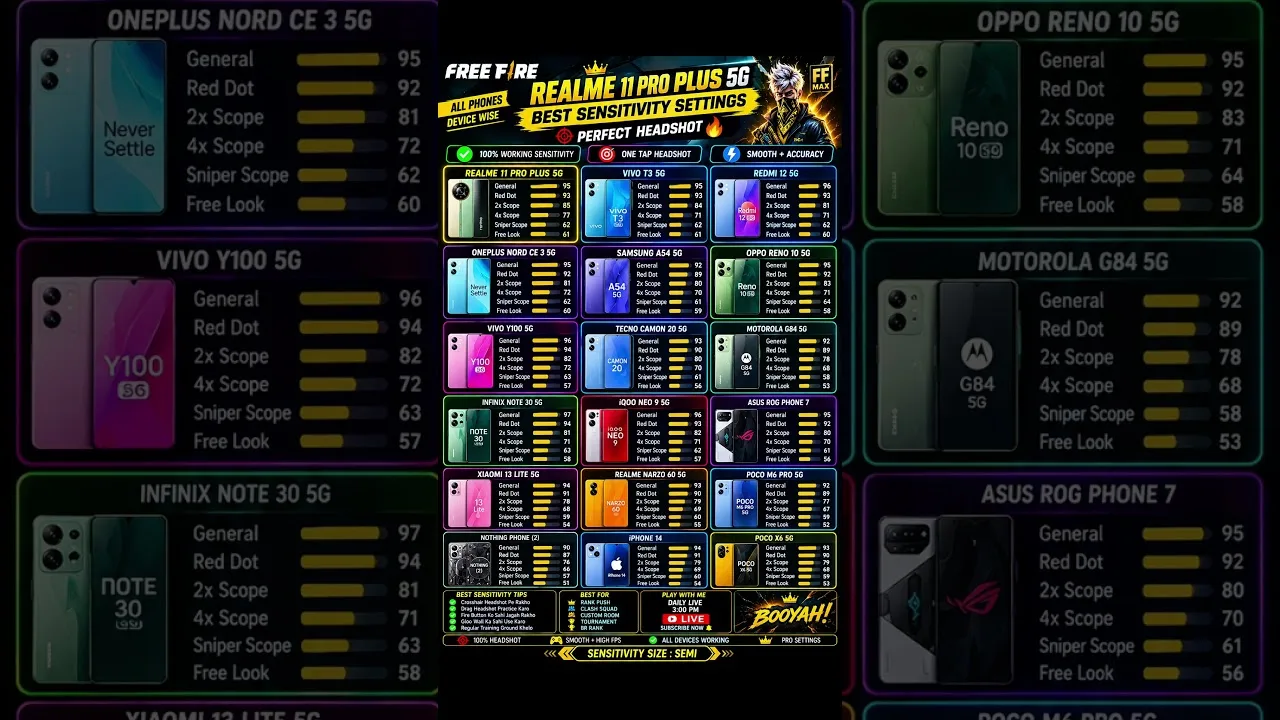
When you switch screen sizes, or compare your setup with a friend on a different phone, start from the device suggestions in Sensibilidades sensitivity settings and check the Sensibilidades device compatibility guide for your size class, then adjust using the relationship between swipe distance and sensitivity described below rather than copying numbers across sizes unchanged.
Small Phones: Making Limited Space Work
On a compact phone, your thumb runs out of screen quickly, especially in close fights that demand fast turns. Players often raise general sensitivity to compensate, which works up to the point where small corrections become jumpy. A better balance is a moderately raised general value paired with calm scoped values, so turns stay possible while aimed control remains steady.
Grip matters more on small screens because your palm covers proportionally more of the display. Experiment with holding the phone slightly lower or using a claw style only if it stays comfortable for full sessions. Comfort that survives an hour beats a clever grip that cramps in ten minutes and quietly ruins your tracking late in every session.
Large Phones and Tablets: Using the Extra Room
Large screens give your thumb a long runway, so lower sensitivity can still produce fast turns while offering finer control during tracking. Many large-screen players overshoot because they keep small-phone values that were designed to overcome limited space they no longer have. If you moved up in size, expect to lower general and red dot values in small steps.
Tablets add another variable: device weight and grip width change how steadily you can swipe. Sensitivity that feels perfect in a short test can tire your hands over a match. The combined approach in DPI and sensitivity together guide helps here, because lowering DPI slightly while keeping moderate sensitivity sometimes gives large-screen players the calmest overall feel without losing turn speed.
Matching Sensitivity to Swipe Distance
A practical way to translate a setup between sizes is the half-turn test: one comfortable full swipe should rotate you roughly the same amount on both devices. Set the new device's general value until your natural swipe produces that familiar half turn, then fine-tune scoped values with tracking drills at your usual fight ranges.
This method works because it calibrates to distance rather than to abstract numbers. Your thumb already knows the motion; you are simply teaching the new screen to interpret that motion the way the old screen did. After the base matches, remaining differences are usually small and live mostly in the red dot and 2x scope values.
Testing Across Sizes Without Confusion
If you regularly play on two sizes, such as a phone and a tablet, keep a separate recorded setup for each instead of hunting for one compromise that feels mediocre on both. Your hands adapt quickly when each device has its own consistent feel, and they adapt badly when the same device keeps changing behaviour.
Label records clearly with device name, screen size, DPI and the full value set. That small habit prevents the classic mix-up of applying the tablet record to the phone before a match and spending the whole game fighting your own settings instead of the opposing squad.
Putting This Into Practice
Set aside one short session devoted only to swipe distance matched to your screen. Do not chase wins during this session and do not judge the setup by the scoreboard at the end of it. Your only task is to repeat the same movements until they feel ordinary: one comfortable full swipe producing the turn you intended on this display. When a movement starts to feel ordinary, that is useful information, because ordinary means your hands have stopped negotiating with the setting and have started trusting it. Write down what felt easier and what still felt awkward while the session is fresh, using plain words you will understand when you read the note again next week.
Next, carry the same focus into two or three normal matches without changing anything, even if the first match goes badly. A setup for swipe distance matched to your screen has to survive different maps, different weapons and the small panic that arrives when a fight starts closer than expected. If it only works in a quiet training room, it is not finished yet, and the honest response is one small adjustment followed by the same test again, not a full rebuild. If it works across those matches, protect it: record the values, leave them alone for several days, and let repetition turn a good test result into dependable muscle memory you can rely on under pressure.
Finally, review the result at the end of the week rather than at the end of a single evening. Ask one simple question: did swipe distance matched to your screen feel more predictable than it did seven days ago? Predictable is the right standard, because competitive aim is built on movements you can repeat when tired, rushed or surprised. If the answer is yes, keep the setup and move your attention to the next weakest part of your game. If the answer is no, change the one value most closely connected to the problem, by the smallest step you can feel, and repeat the weekly cycle with the same patience.
Final Thoughts
Screen size is not a detail around sensitivity; it is one of its main ingredients. Translate setups by swipe distance, give each size its own proven record, and adjust in small steps when hardware changes.
Do that, and moving between a small phone, a large phone and a tablet stops resetting your aim and starts feeling like the same skill on different stages.