Sensitivity for low-end phones should be built around stability, not speed. When a device has limited memory, a modest processor and a basic touch panel, frame drops and delayed touch response change how every swipe lands, so settings copied from a flagship phone usually feel wild and inconsistent.
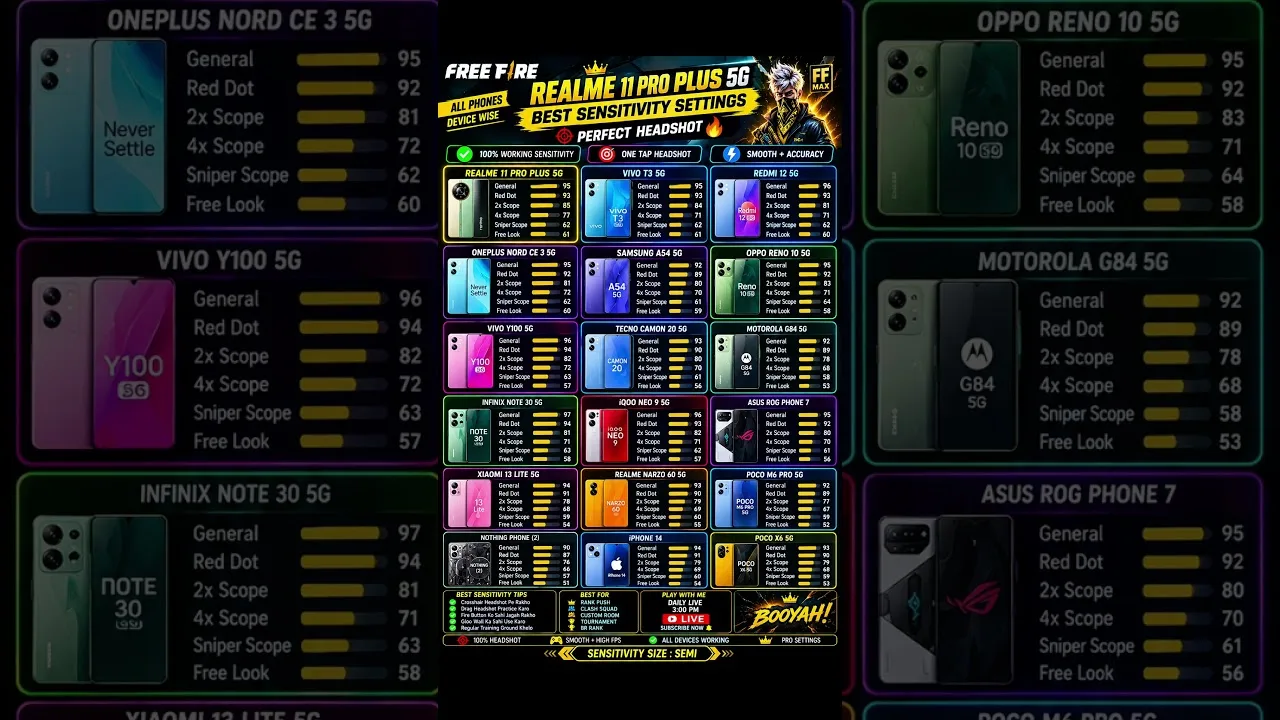
Start with the device-based suggestions in Sensibilidades Android sensitivity app, and read the Sensibilidades device compatibility guide to understand what your hardware can hold steadily. A setup that matches your phone's real performance will feel faster in fights than an aggressive setup your phone cannot deliver smoothly.
Why Aggressive Settings Fail on Budget Hardware
High sensitivity magnifies every input, including the imperfections of a budget touch panel. When frames drop during a fight, a fast swipe is shown in fewer, larger jumps, so your aim appears to teleport past the target. The same value on a stronger phone looks smooth because the frames between those points actually exist on screen.
Lower, calmer values work with the hardware instead of against it. They give the display and the processor a motion they can present consistently, which makes tracking predictable. Predictable aim beats theoretically faster aim that behaves differently every time the frame rate dips in a crowded final circle.
Settle Graphics Before Sensitivity
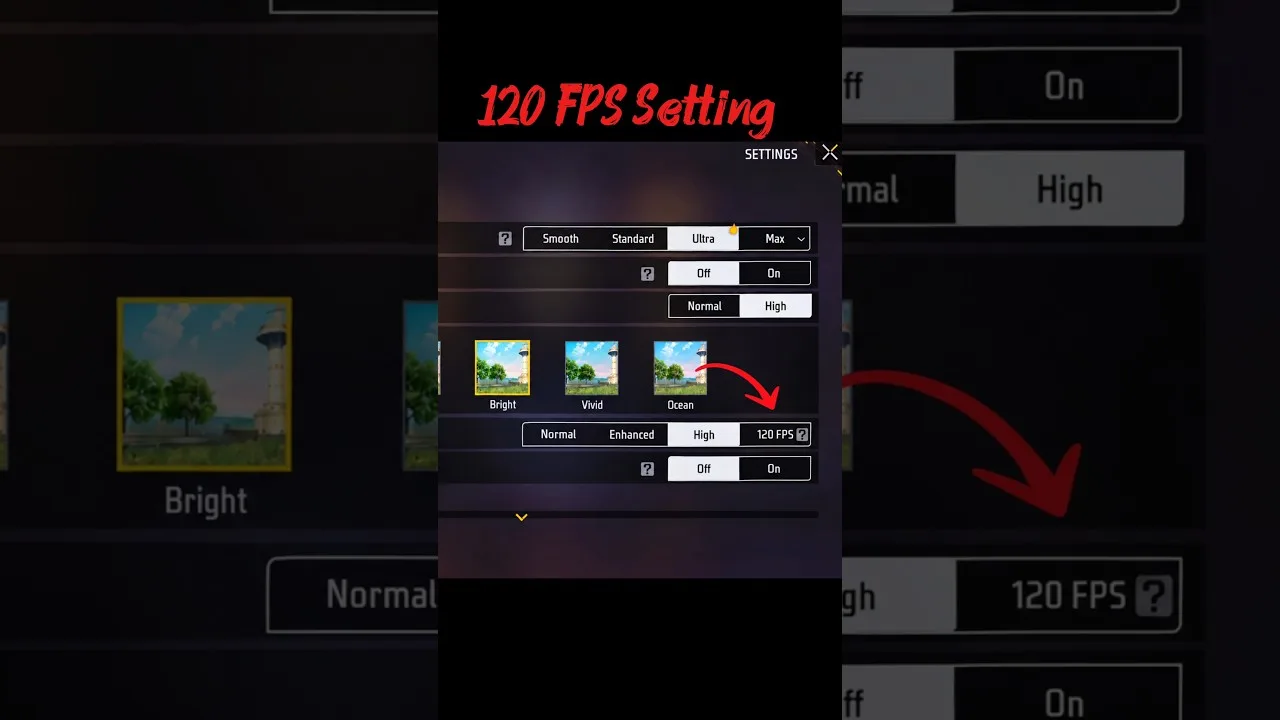
Sensitivity tuning on a low-end phone should come after graphics choices, because frame rate stability defines how any setting feels. Choose the graphics level that holds the steadiest frame rate in real fights, even if it looks plainer, then tune sensitivity at that level. Changing graphics afterwards changes the feel again and wastes the tuning work.
Close background apps before playing and keep storage space free, since a struggling system adds touch delay that no slider can fix. If the app itself ever behaves oddly on your device, the steps in common Sensibilidades problems and fixes guide cover the common launch and performance issues to clear before you blame your settings for a problem that is actually system load.
Building a Calm, Workable Setup
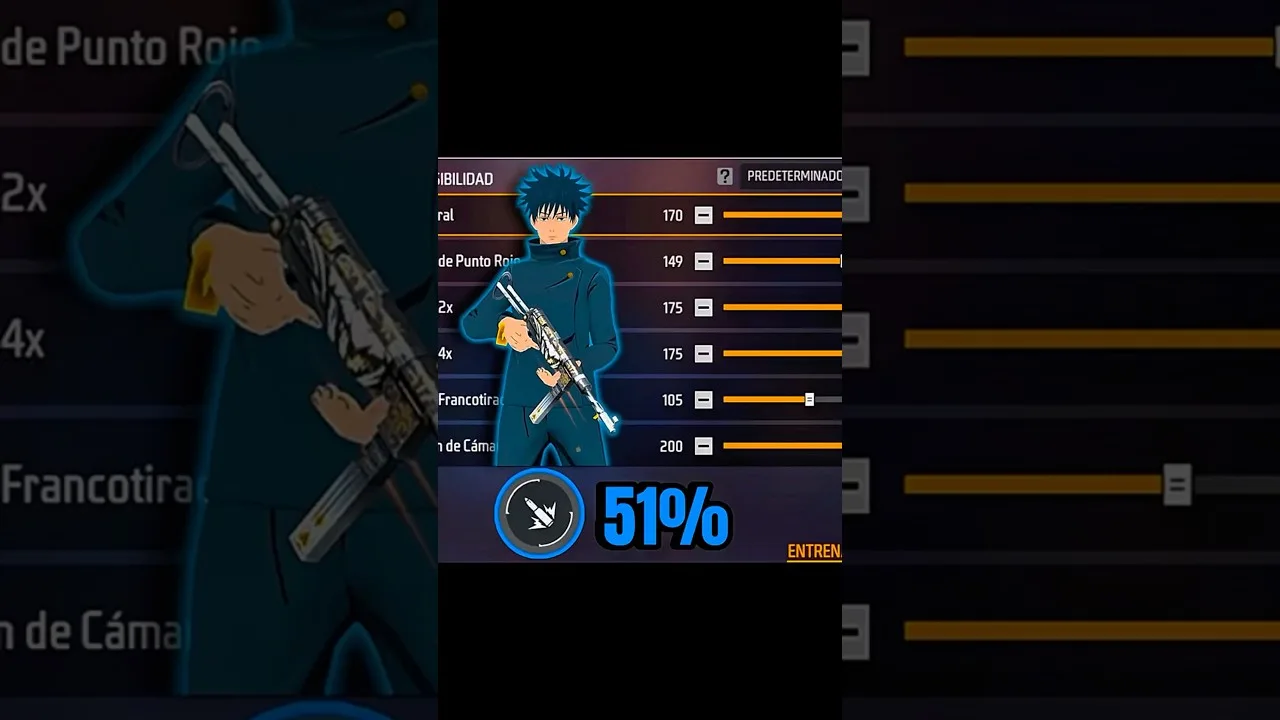
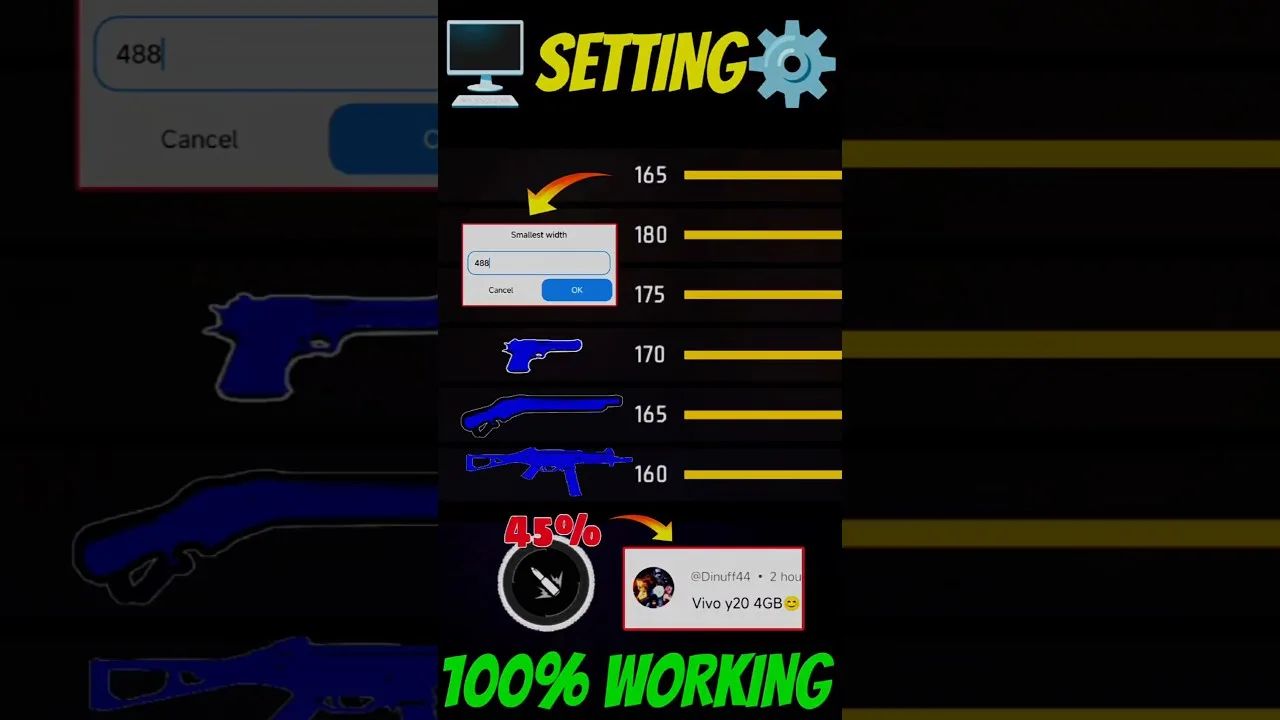
Begin with a general value slightly below the mid-range suggestion for your device, then test turns in training: you should complete a comfortable turn without the view lurching. Set red dot and scope values for tracking at the ranges you fight most, accepting a little less peak speed in exchange for aim that stays where you put it during frame dips.
Practise with the weapons you actually use, on the maps you actually play. Low-end setups are more sensitive to context than flagship setups, because a busy area can change performance noticeably. A value proven in your real conditions is worth more than a value proven in an empty training room on a good day.
Habits That Protect Your Aim
Shorter sessions help more than players expect. As a budget phone heats up, performance throttles and touch response changes, so settings tuned on a cool phone feel different after forty hot minutes. Taking breaks, removing a thick case while playing, and keeping the screen clean all keep the feel consistent for longer.
Record your working values once you find them, including your graphics choice. On low-end hardware the full combination is the setup, and losing any part of it means retesting the rest. A written record turns an accidental reset or an app update from a disaster into a two-minute restoration.
Putting This Into Practice
Set aside one short session devoted only to calm aim that survives frame drops and heat. Do not chase wins during this session and do not judge the setup by the scoreboard at the end of it. Your only task is to repeat the same movements until they feel ordinary: tracking that stays predictable when the busiest fight of the match begins. When a movement starts to feel ordinary, that is useful information, because ordinary means your hands have stopped negotiating with the setting and have started trusting it. Write down what felt easier and what still felt awkward while the session is fresh, using plain words you will understand when you read the note again next week.
Next, carry the same focus into two or three normal matches without changing anything, even if the first match goes badly. A setup for calm aim that survives frame drops and heat has to survive different maps, different weapons and the small panic that arrives when a fight starts closer than expected. If it only works in a quiet training room, it is not finished yet, and the honest response is one small adjustment followed by the same test again, not a full rebuild. If it works across those matches, protect it: record the values, leave them alone for several days, and let repetition turn a good test result into dependable muscle memory you can rely on under pressure.
Finally, review the result at the end of the week rather than at the end of a single evening. Ask one simple question: did calm aim that survives frame drops and heat feel more predictable than it did seven days ago? Predictable is the right standard, because competitive aim is built on movements you can repeat when tired, rushed or surprised. If the answer is yes, keep the setup and move your attention to the next weakest part of your game. If the answer is no, change the one value most closely connected to the problem, by the smallest step you can feel, and repeat the weekly cycle with the same patience.
Final Thoughts
Good sensitivity on a low-end phone is honest sensitivity: calm values, stable frames and habits that protect touch response. That combination gives budget players far more real control than copied flagship numbers ever will.
Tune for the phone in your hands, prove the setup in your busiest fights, and your aim will stay dependable even when the hardware is modest.